
If you’ve ever missed a field trip permission slip, double-booked pickup with a work meeting, or realized too late that “Crazy Sock Day” was today, you already know why learning how to sync school calendar with family calendar matters. The goal isn’t just convenience. It’s to reduce last-minute stress, prevent missed commitments, and give everyone in the household a clearer view of what’s happening next.
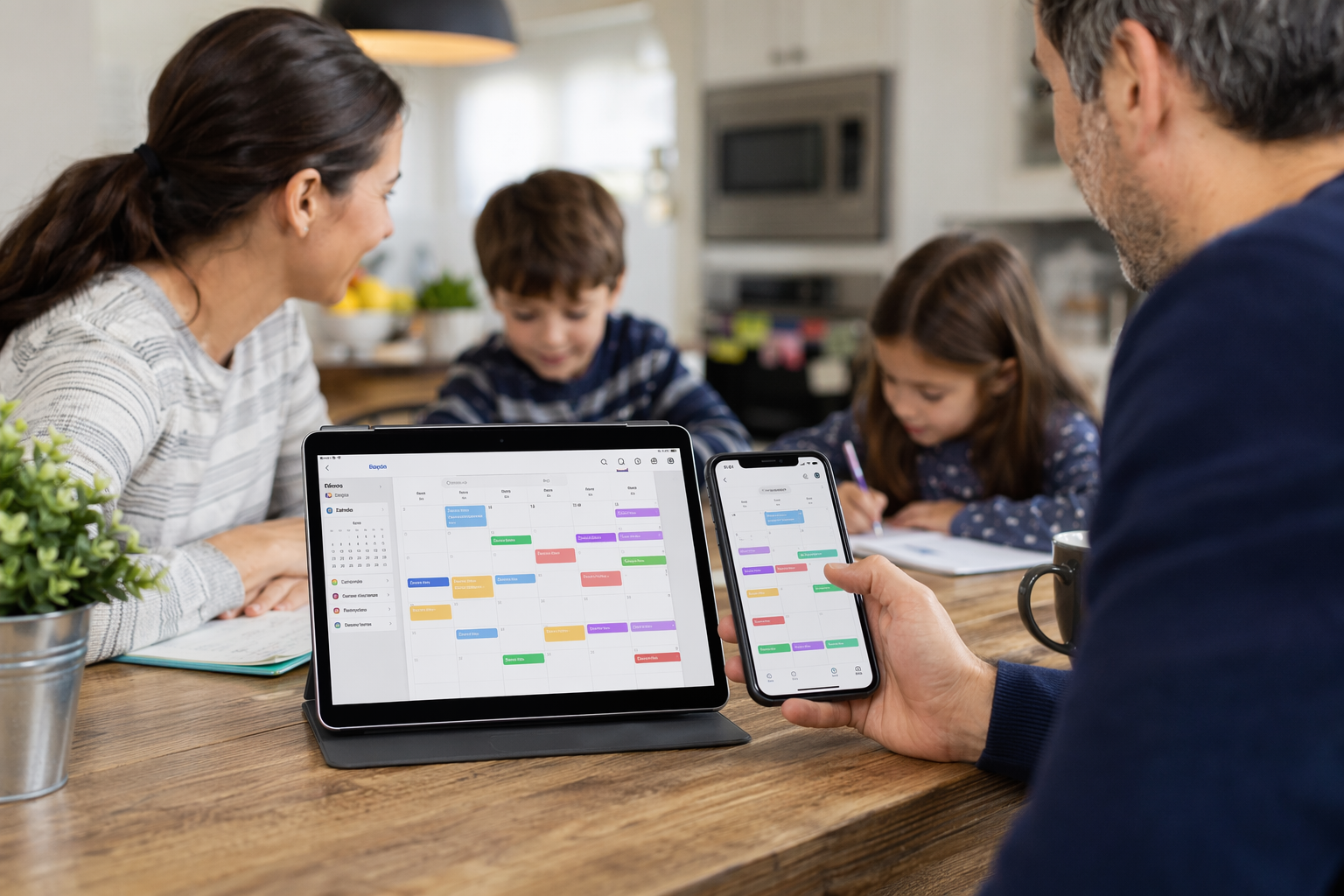
In one recent study from McKinsey, parents spend significant time each week on unpaid household coordination and planning, often stacking logistics around work and childcare. That invisible labor is exactly what a connected calendar system can reduce. The good news: with the right process, you can turn a chaotic mix of school emails, paper flyers, and app notifications into a single shared family calendar that actually works. And if you want an easier way to do it, a family calendar app like Zua can help automate much of the heavy lifting.
How to Sync School Calendar with Family Calendar Without Creating More Work
The best way to think about how to sync school calendar with family calendar is not as a one-time setup, but as a system. Your school calendar is the source of truth for school-wide events. Your family calendar is the source of truth for who needs to be where and when. The two should work together, not compete.
Before you connect anything, define the goal:
- School dates should appear in your family view automatically.
- Important child-specific events should be visible to the right caregivers.
- Recurring routines like pickup, sports practice, and lunch packing should be easy to spot.
- Conflicts should be visible early enough to fix them.
This matters because families are managing more than ever. The U.S. Census Bureau reports that 63.4% of children under 18 lived in households with two parents in 2023, but that doesn’t mean both parents are equally available at all times; work schedules, commutes, and extended family help all vary. A shared family calendar helps coordinate all of that in one place. Source: U.S. Census Bureau.
How to Sync School Calendar with Family Calendar: The Best Setup Options
There are several ways to sync school calendar with family calendar, and the right one depends on how your school shares information and what devices your family uses.
1. Subscribe to the school’s calendar feed
Many schools publish an iCal or Google Calendar feed. This is usually the cleanest option because events update automatically when the school changes dates.
Best for: term dates, school closures, inset days, sports day, assemblies, exams, and parent evenings.
How to do it:
- Log in to the school portal or parent app.
- Find the calendar subscription link or “Add to Calendar” button.
- Copy the feed URL if provided.
- Add it to your family calendar app or your preferred calendar platform.
- Choose the right visibility settings so everyone sees what they need.
2. Connect school events to a shared family calendar manually
If the school doesn’t offer a calendar feed, you can still create a reliable system by importing the most important dates yourself. This is more work upfront, but it gives you complete control.
Best for: families who want only high-priority events in the family view.
How to do it efficiently:
- Create one shared family calendar for the household.
- Add recurring school routines once, not repeatedly.
- Block time for pickup, drop-off, school runs, and after-school activities.
- Color-code by child, parent, or event type.
3. Use a family calendar app that reads school emails and screenshots
This is often the fastest route for busy parents. Instead of manually typing in every school notice, use a family calendar app that can pull information from forwarded emails, screenshots, PDFs, and messages.
Zua is designed for this kind of parenting schedule organization. You can forward school newsletters, share a screenshot of the calendar, or send a voice note, and Zua extracts the dates and creates the right tasks or reminders. It also supports unified calendar views, so you can see your work events and family commitments together. Learn more on the features page.
How to Sync School Calendar with Family Calendar in 7 Practical Steps
If you want a process you can implement today, follow these seven steps to how to sync school calendar with family calendar without overwhelming yourself.
-
Choose one primary family calendar.
Pick the calendar where household decisions will be made. This is your “source of truth” for family logistics. -
Separate school dates from school tasks.
Not every school item belongs in the calendar. A half-day closure belongs there. “Bring a costume by Friday” might be better as a task or reminder. -
Import the school calendar feed if available.
Subscribe rather than manually copy, so updates stay current. -
Add recurring weekly patterns.
School run, music lesson, tutoring, sports practice, and library day can often be set once and repeated. -
Assign visibility intentionally.
Some events should be shared with the whole family. Others may be private or shared only with one parent, grandparent, or babysitter. -
Review conflicts weekly.
A 10-minute weekly check prevents Saturday surprises. Look for clashes between school events, work meetings, and travel. -
Automate capture wherever possible.
Forward school notices to your family calendar app, or use a tool like Zua that can read the contents of messages and extract dates automatically.
Why a Shared Family Calendar Works Better Than Sticky Notes and Group Chats
Many parents try to manage school logistics in WhatsApp threads, text messages, and paper flyers. The problem is that important information gets buried, duplicated, or forgotten. A shared family calendar turns scattered information into one visible plan.
Here’s a quick comparison:
| Method | Strengths | Weaknesses | Best Use |
|---|---|---|---|
| Paper planner | Simple, tangible | Hard to share, easy to lose, no reminders | Personal planning only |
| Group chat | Fast communication | Dates get buried, poor long-term visibility | Quick updates, not scheduling |
| Basic calendar app | Reminders, recurring events | Manual entry can be tedious | Standard scheduling |
| Family calendar app with AI capture | Shared visibility, automation, conflict detection | Requires initial setup | Busy households with lots of moving parts |
The biggest difference is not just convenience; it’s clarity. A good system answers the questions parents ask all day: Who is doing pickup? Is there a clash with work? Did we remember the school trip form? Is grandma available to help?
Calendar Integration for Families: What to Sync and What to Leave Out
Successful calendar integration for families is about reducing noise, not adding every possible event. If you sync everything, your family calendar becomes cluttered and hard to trust.
Sync these items automatically
- School holidays and inset days
- Parent-teacher conferences
- Sports days and performances
- Exam dates and deadlines
- After-school activities
- Pickup/drop-off responsibilities
- Childcare cover, babysitter shifts, and grandparent help
Keep these as tasks or notes instead of calendar events
- Pack PE kit
- Sign permission slip
- Buy cake for class party
- Email teacher about absence
- Return library books
This is where Zua’s smart task management can be especially helpful. It distinguishes between one-off to-dos, routine chores, and passive heads-ups so your family isn’t flooded with clutter. That means a “PE kit required today” note can appear at the right time without becoming yet another permanent item in your calendar.
How Zua Helps Parents Sync School Calendar with Family Calendar Faster
If you’re trying to master how to sync school calendar with family calendar while juggling work and kids, the biggest bottleneck is usually input. Parents don’t want another admin job. They want the system to handle the admin for them.
Zua is built to reduce that burden by:
- Reading device calendars like Google Calendar and work calendars to create a big-picture family view.
- Importing events selectively so you stay in control of what gets shared.
- Detecting conflicts before they turn into missed pickups or double-bookings.
- Suggesting better scheduling slots based on family availability.
- Supporting WhatsApp, screenshots, email forwarding, and voice notes so school updates are easy to capture.
- Allowing granular privacy for grandparents, nannies, babysitters, or other trusted helpers.
If your current approach is “someone texts me the date, I maybe remember it, and then I panic later,” you may want to try Zua free.
Simple Weekly Workflow for Parenting Schedule Organization
Once you’ve set up the connection, keep it running with a lightweight weekly routine. This prevents the calendar from becoming stale.
- Sunday reset: check the week ahead for school events, childcare gaps, and work conflicts.
- Midweek scan: review any school emails, flyers, or app notifications you received.
- Friday prep: update weekend activities and pack for Monday if needed.
- Daily glance: confirm morning drop-off, pickup, and after-school plans.
That’s the real payoff of learning how to sync school calendar with family calendar: the system lowers your mental load every day, not just once during setup.
Common Mistakes to Avoid
- Using too many calendars. If events are spread across apps, nobody trusts the schedule.
- Copying everything manually. Manual entry increases errors and burns time.
- Skipping visibility settings. Not every family member needs to see every event.
- Ignoring conflicts until the last minute. Review the week early enough to make changes.
- Putting tasks in the calendar. Keep actual appointments in the calendar and action items in tasks/reminders.
Frequently Asked Questions
What is the easiest way to sync a school calendar with a family calendar?
The easiest method is usually subscribing to the school’s calendar feed if one exists. That gives you automatic updates and reduces manual work. If the school doesn’t offer a feed, a family calendar app that can capture school emails or screenshots is the next best option.
Can I sync a school calendar with Google Calendar or Apple Calendar?
Yes. Most school calendar feeds can be added to Google Calendar or Apple Calendar, and from there shared with your family. If you use a family calendar app, you can often integrate those same calendars into one unified view.
Should I put school tasks like “bring lunch money” on the calendar?
Usually no. Calendar events are best for time-based commitments. Tasks like packing lunch money, signing a form, or buying supplies are better handled as to-dos or reminders. That keeps the calendar readable and reduces clutter.
How do I keep grandparents or babysitters in the loop without oversharing?
Use granular sharing settings. Share only the events they need to know about, such as one-off pickup times or a specific appointment window. Tools like Zua support selective visibility so you can give access without exposing your entire family schedule.