
If you’re searching for a shared family checklist app, you probably don’t want “just another to-do list.” You want one place to manage school forms, groceries, chores, appointments, packed lunches, permission slips, and the mental load that usually lives in one parent’s head. The best apps do more than tick boxes — they help families make decisions faster, avoid conflicts, and stay on top of the invisible work that keeps home life running.
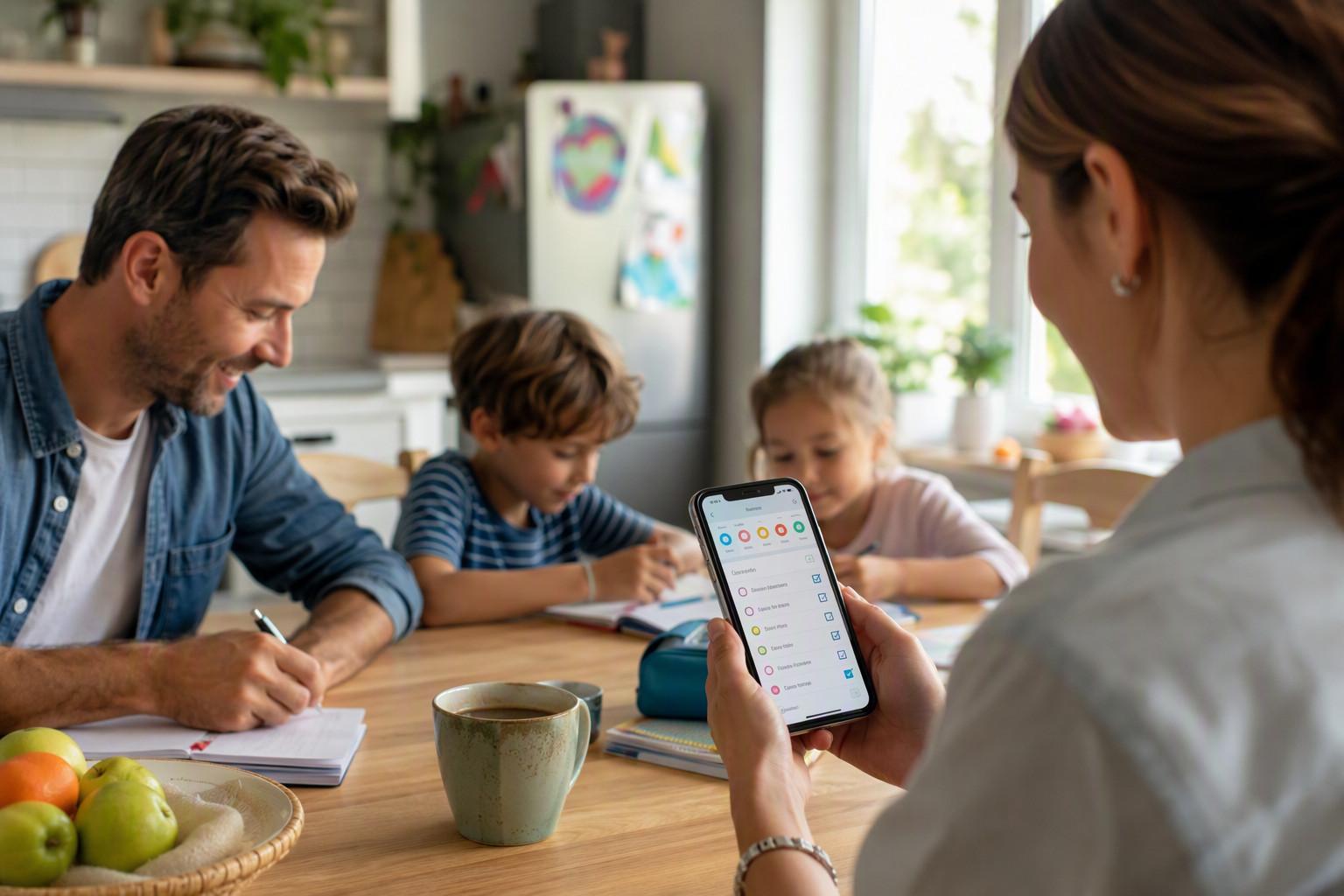
In this guide, we’ll look at what actually makes a family organizer app effective, how to choose one for your household, and why a modern AI-powered family task manager like try Zua free can be especially helpful for busy parents juggling multiple calendars, errands, and last-minute changes.
Why the right shared family checklist app matters more than you think
Most families don’t fail at organization because they’re lazy. They fail because the system is fragmented. One parent has the school email, another has the grocery list, someone else remembers the doctor appointment, and the weekend gets derailed by a schedule conflict no one saw coming.
A good shared family checklist app reduces that fragmentation by putting your family’s tasks, chores, events, and reminders into one shared system. That matters because the “administrative” load of family life is real. Research from the American Psychological Association shows that women continue to shoulder more household and caregiving responsibilities in many families, even when both partners work full time. See the APA’s overview of the mental load and family stress: American Psychological Association.
When your app is good enough, it becomes less about “remembering everything” and more about making the next best decision quickly:
- Who can do the school run today?
- What groceries are missing before dinner?
- Which chores should appear now vs. later?
- Is there a calendar conflict before you say yes to another commitment?
That’s why the best app for a family isn’t necessarily the simplest one — it’s the one that fits how real families operate.
What a great shared family checklist app should actually do
Not all shared list apps are built for family life. Some are just task boards. Others are shopping lists with comments. A true shared family checklist app should bring together planning, communication, and action in a way that lowers stress instead of adding another layer of admin.
1) It should combine tasks, chores, and reminders in one place
A family doesn’t just need a shared chore list. It needs a place for one-off errands, recurring chores, heads-ups, and event-linked reminders. If your app handles only one type of item, the rest of your life will spill into notes apps, texts, or memory.
2) It should make visibility flexible
Sometimes you want the whole family to see a task. Sometimes only one parent. Sometimes you need to share a school pickup with a grandparent or babysitter. A strong family organizer app should support granular sharing so the right people see the right information.
3) It should reduce duplicate effort
One of the biggest family planning failures is duplication: both parents buying the same milk, both thinking the appointment was tomorrow, both assuming someone else handled the permission slip. Conflict detection, shared lists, and unified scheduling reduce that waste.
4) It should capture tasks from real life
Busy parents don’t have time to manually retype every school message or voice note. The best parenting checklist app should make it easy to turn emails, screenshots, photos, and voice messages into actions.
5) It should avoid “list fatigue”
When a checklist is too long, people stop using it. That’s why smart family task manager design matters: the app should surface what’s relevant now, not overwhelm users with everything at once.
How Zua works as a shared family checklist app
Zua is designed as an AI Family Assistant for parents who want a smarter way to coordinate family life. Instead of forcing you to manually manage every task, it helps organize schedules, chores, shopping, and shared responsibilities in a more natural way.
Here’s where Zua stands out as a shared family checklist app for busy households:
- Unified family calendar: See who’s busy, who’s free, and where the friction points are before they become problems.
- Conflict detection: Zua checks calendars for double-bookings and helps prevent overlap.
- AI auto-scheduler: It can suggest better times for appointments or assign tasks to the parent who is actually available.
- Just-in-time chores: Routine chores stay hidden until they matter, which reduces clutter and stress.
- Heads-up reminders: Time-sensitive notes like “PE kit required today” can appear when needed and disappear afterward.
- Universal capture: Forward emails, share screenshots, send voice notes, or use WhatsApp to add information instantly.
- Family Brain search: Search across your family’s shared information semantically, instead of remembering which thread or note something lived in.
That combination makes Zua more than a shared grocery list or task board. It behaves like a family planning app that actually understands the context of family life.
Explore the product in more detail on the features page, or try Zua free.
Why a shared family checklist app should be smarter than a regular to-do list
Traditional task apps assume that humans will do all the sorting. But family life is full of context: school dates, recurring chores, pickup windows, work meetings, naps, allergies, and “we only have 15 minutes before soccer.”
A smart shared family checklist app should help interpret that context. This is especially important because families are managing more fragmented schedules than ever. The U.S. Bureau of Labor Statistics reports that employed parents often face significant time pressures when balancing work and childcare responsibilities. You can review time-use and caregiving data here: Bureau of Labor Statistics Time Use Survey.
That’s why family organization tools should do three things well:
- Capture information from the places it already appears.
- Interpret what the item means for the family.
- Act by placing it into the right shared system.
Zua is built around this principle. If a school email mentions a costume day and a lunch requirement, the app can convert that into actionable reminders instead of leaving it buried in an inbox. If a parent texts a photo of a birthday invite, the details can be pulled into the calendar. That’s a major upgrade over a basic shared chore list.
Best use cases for a family organizer app
If you’re wondering whether your family really needs a dedicated family organizer app, the answer is usually yes if any of these sound familiar:
- You and your partner both work and constantly miss each other’s schedule updates.
- Grocery shopping keeps happening in duplicate.
- Chores are either forgotten or assigned too far in advance to stay meaningful.
- School reminders arrive in email, text, WhatsApp, and paper notes all at once.
- Extended family or babysitters need partial access to selected events.
- You’re managing babies, daycare, school, activities, and work on different calendars.
That’s where a modern shared family checklist app becomes valuable: it acts as the hub for the family’s “operating system,” rather than just another note-taking tool.
How to set up a shared family checklist app that people actually use
The best app in the world won’t help if the setup is messy. Here’s a practical framework to make your system stick.
Step 1: Separate chores, tasks, and heads-ups
Don’t put everything into one undifferentiated list. A useful structure is:
- To-dos: One-off actions like book dentist appointment or buy birthday gift.
- Chores: Recurring maintenance like take out bins or pack school bags.
- Heads-ups: Time-bound reminders like sports day or library books due.
This is exactly the kind of structure that prevents overload in a shared family checklist app.
Step 2: Assign ownership, not just visibility
Shared does not mean vague. Every item should have an owner or decision-maker, even if everyone can see it. If a task is “shared,” it can still be clear who is responsible unless it gets reassigned.
Step 3: Add recurring family anchors
Set up the basics first: school drop-offs, daycare days, work travel, trash day, sports practice, meal prep windows, and recurring appointments. These anchors help the app understand your family rhythm.
Step 4: Capture input from the real world
Instead of manually retyping details, use the app’s capture tools. For example, Zua lets you:
- forward school emails into the app,
- send screenshots of invitations or notices,
- share PDFs or web pages,
- add items by voice or WhatsApp message.
That matters because the less effort it takes to add something, the more likely the household is to keep using the system.
Step 5: Review weekly, not constantly
A family planner app should reduce daily friction, not require constant babysitting. A short weekly review is usually enough to catch conflicts, reassign tasks, and confirm upcoming events.
Shared family checklist app comparison: what to look for
| Feature | Basic To-Do App | Typical Family Planner | Zua AI Family Assistant |
|---|---|---|---|
| Shared tasks | Yes | Yes | Yes |
| Shared calendar and to-do list | Limited | Often yes | Yes, with unified family view |
| Conflict detection | No | Sometimes | Yes |
| Voice, email, and screenshot capture | No | Limited | Yes |
| Granular sharing with grandparents/babysitters | No | Sometimes | Yes |
| Chore visibility control | No | Sometimes | Yes, with just-in-time display |
If your goal is only a shared grocery list, a basic app may be enough. But if you want a true shared family checklist app that can also function as a family organizer app and a family planning app, the smarter choice is one that understands context and reduces manual work.
What about couples? Can a family app also work as a shared to-do list app for couples?
Absolutely. In fact, many of the same features that help families also help couples: shared visibility, task ownership, shopping coordination, and calendar awareness. If you and your partner are mostly managing work schedules, chores, errands, and occasional travel, a good shared to-do list app for couples can be a lightweight version of the same system.
The difference is scale. A couple’s app may only need shopping lists and reminders. A family checklist app needs more flexibility because children, school systems, caregivers, and multiple calendars are involved. If you’re expecting your household to grow or your schedule to get more complex, it’s often better to choose a tool that can scale with you.
How to choose the best app for your household
Before committing to any app, ask these questions:
- Can it combine calendar events and checklists in one view?
- Can I share some items with the whole family and others with only specific people?
- Can it handle both chores and one-off tasks without becoming cluttered?
- Can I add information from email, text, images, or voice quickly?
- Does it make family life simpler after the first week, or just feel organized?
If the answer to the first four is yes, you’re probably looking at a strong shared family checklist app rather than a generic productivity tool.
To see whether that approach fits your household, explore Zua’s features or try Zua free.
Frequently Asked Questions
What are some good shared family planner apps?
The best shared family planner apps are the ones that combine a shared calendar, shared tasks, and easy collaboration. Look for features like conflict detection, recurring chores, and flexible visibility settings. If you want something more advanced than a basic planner, Zua is designed to act as a shared family checklist app and family organizer app in one.
What is the best shared to-do list app for couples?
The best shared to-do list app for couples is one that makes it easy to assign ownership, share shopping lists, and keep track of appointments without a lot of manual setup. If your needs are simple, a lightweight list app may be enough. If you also want a shared calendar and family planning tools, a broader family task manager like Zua may be a better long-term fit.
What is the best shared grocery list app for couples?
The best shared grocery list app for couples is one that updates in real time, works on both phones, and minimizes duplicate purchases. The most helpful tools also let you add items by voice or quickly from messages, which is especially useful when you remember something while on the move. Zua can support this within a broader shared family checklist app workflow.
What is the best app for keeping a shared calendar and to-do list?
The best app for keeping a shared calendar and to-do list is one that treats schedules and actions as connected. That means one view for appointments, one place for tasks, and smart tools that help avoid conflicts. Zua is built for exactly that use case, combining a unified family calendar with intelligent task management and flexible sharing.