
If you’re searching for a family calendar app for co-parents, you probably already know the real problem isn’t “finding an app” — it’s preventing missed handoffs, duplicate bookings, and last-minute confusion about who’s responsible for what. A good co-parenting system needs more than a simple shared calendar. It needs visibility controls, conflict detection, a reliable child custody schedule app structure, and a way to turn messages, screenshots, and school emails into action without adding more admin to your day.
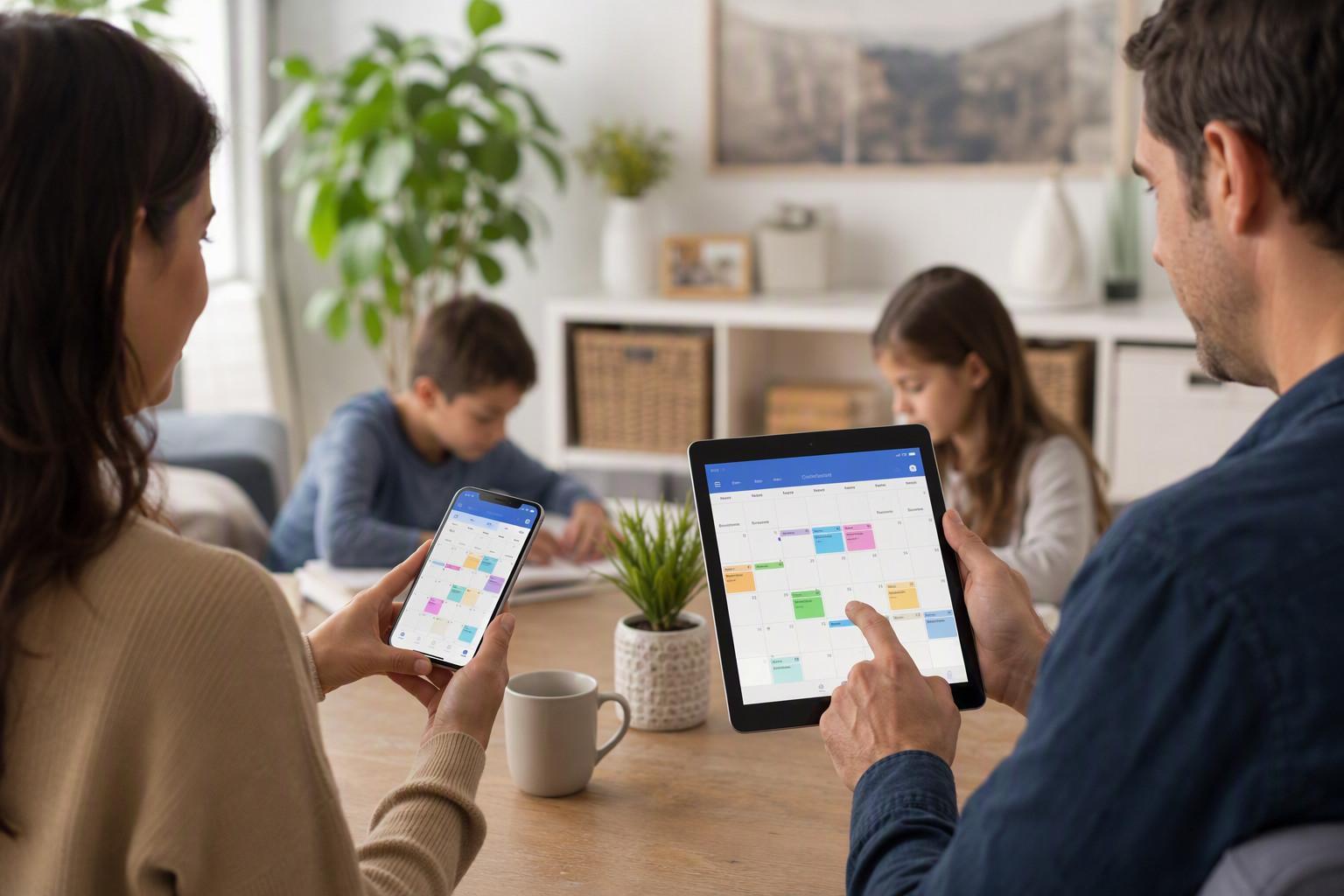
That’s where Zua — AI Family Assistant is designed to help. Instead of forcing families to manually enter every pickup, football practice, dentist appointment, and weekend switch, Zua acts like a parenting coordination tool that keeps the full picture in one place. You can see the schedule, control what each person can view, and surface the right task to the right parent at the right time. If you want to reduce co-parenting friction, the calendar itself should do more than display dates; it should help prevent problems before they happen. If you’re ready to try a smarter system, you can try Zua free.
Why a family calendar app for co-parents needs more than basic sharing
Most calendar apps were built for individuals or office teams, not for two households managing children across school, work, and custody transitions. A true family calendar app for co-parents should solve four specific issues:
- Shared visibility without overexposure. Co-parents often need to share some events but not every personal appointment or work meeting.
- Custody-aware scheduling. A handoff at 6 p.m. isn’t just a calendar event — it changes who is responsible for dinner, transport, and homework.
- Conflict prevention. Double-bookings are more than annoying when they affect pickups, school plays, or childcare coverage.
- Fast input. If logging an event takes too long, it won’t happen. A useful system should capture details from texts, emails, screenshots, and voice notes.
These needs are backed by the reality of modern family schedules. The U.S. Census Bureau reports that millions of children live in shared custody or complex family arrangements, and scheduling friction is a common challenge for separated parents managing logistics across homes. For broader co-parenting context, the U.S. Census Bureau family statistics are a useful reference point. In practice, that means the best app is one that reduces communication overhead, not one that adds another inbox to check.
What the best family calendar app for co-parents should actually do
If you’re evaluating a family calendar app for co-parents, don’t start with color themes or reminders. Start with these functionality checks:
1. Unified family view
You need a “big picture” view showing school, work, custody exchanges, travel, extracurriculars, and caregiving availability in one place. Zua’s unified calendar is built for exactly that: it shows who needs to be where, who’s at work, and who is available to help.
2. Granular privacy controls
Not every event should be visible to every family member. The strongest apps let you choose whether an item is:
- Private to you
- Shared with the family
- Shared only with selected external members
This matters when one parent wants to share school pickups with a grandparent or babysitter, while keeping a medical appointment private until it’s relevant.
3. Conflict detection
A good child custody schedule app should detect overlaps before they become arguments. If one parent is booked for a work meeting and a child needs transport to practice, the app should surface that conflict early and suggest an alternate parent or time slot.
4. Easy capture from real life
Most family logistics arrive via WhatsApp messages, school newsletters, PDFs, screenshots, and voice notes — not clean calendar invites. Zua supports chat-based capture, forward-to-action emails, native share integration, and voice input so you can turn information into scheduled action quickly.
5. Smart task management
Family life isn’t just events. It’s chores, reminders, and context-specific nudges. Zua separates:
- To-dos for one-off tasks
- Chores for routine jobs surfaced only when relevant
- Heads-ups for time-bound informational reminders that don’t require check-off
That makes it more of a parenting coordination tool than a plain scheduler.
How Zua works as a shared family calendar for co-parents
Zua is designed to function as a shared family calendar without forcing every family member into the same rigid workflow. Here’s how that helps co-parents day to day:
Big-picture visibility across two homes
Instead of asking, “Who has the kids Thursday?” and then cross-checking three different apps, Zua provides one family view that merges calendars, events, and responsibilities. It reads from your existing device calendars, analyzes the contents, and helps populate the family schedule while leaving final control in your hands.
Calendar integration without losing control
Zua can read calendars already on your device, such as Google Calendar or work calendars, and let you review every event before it’s imported. That means you’re not forced to abandon your current setup; you can layer family coordination on top of the tools you already use.
Better scheduling decisions
If the app knows one parent is already booked, it can suggest assigning a new task — like a school run or sports drop-off — to the other parent. That’s a small feature with a big payoff: fewer back-and-forth messages and fewer “I thought you were doing it” moments.
Support for extended caregivers
Many co-parenting families rely on grandparents, nannies, uncles, or babysitters. Zua allows carefully limited sharing so an external helper can see only the events they need, such as “Tuesday school run,” without exposing the rest of the family’s calendar.
If you want to explore more of how this works, see the Zua features page.
Best practices for setting up a co-parenting calendar that actually works
Even the best family calendar app for co-parents fails if the system isn’t set up clearly. Use this approach when you start:
- Agree on naming conventions. Use consistent event names like “Custody Swap,” “School Pickup,” “Parent-Teacher Meeting,” and “Practice Drop-off.”
- Color-code by category. For example: custody transitions, medical events, school events, activities, and work travel.
- Add the responsible adult to every event. Not just the child’s activity — the parent accountable for transport or attendance should be clear.
- Set visibility rules early. Decide what is shared, what is private, and what should go only to a specific person.
- Use one “source of truth.” Don’t keep major family logistics spread across text threads, notes apps, and paper planners.
- Review weekly. A 10-minute Sunday check-in can prevent most handoff problems for the week ahead.
A practical trick: create recurring calendar entries for custody exchanges and school routines first, then layer in activities and one-off events. This gives the schedule a stable backbone, making conflicts easier to spot. In family scheduling, consistency is what prevents mental overload — especially for parents juggling work and childcare across different homes.
Why AI helps reduce co-parenting friction
Traditional calendars display what you entered. AI-based family scheduling apps can interpret what you meant. That difference matters in messy real life. For example:
- Forward a school email, and the app extracts the date, time, and required items.
- Share a birthday invitation screenshot, and it becomes a reminder or event.
- Send a voice note like “We need to book the dentist next week,” and it becomes a task.
- Let the app detect that one parent is overloaded and suggest shifting a pickup.
This is especially helpful because family logistics are often fragmented across channels. According to Pew Research Center, most parents use smartphones constantly to manage daily life, but communication still gets scattered across calls, texts, and apps. An AI family assistant reduces that fragmentation by turning incoming information into structured action.
In other words, the goal isn’t just to store information. It’s to reduce the number of decisions you have to remember to make.
Family calendar app for co-parents: feature comparison table
| Feature | Why it matters for co-parents | Zua approach |
|---|---|---|
| Shared family calendar | Prevents confusion about who is responsible for each child-related event | Unified family view with optional sharing |
| Privacy controls | Lets parents share only what’s relevant | Private, family, and selected-member visibility |
| Conflict detection | Flags double-bookings before they become problems | AI checks imported calendars for overlaps |
| Custody schedule support | Keeps handoffs and transitions visible | Works like a child custody schedule app |
| Fast capture | Ensures school messages and screenshots get logged | WhatsApp, email forwarding, share sheet, voice input |
| Task management | Tracks chores and one-off responsibilities beyond the calendar | To-dos, chores, and heads-ups |
Is there a free calendar for coparenting?
Yes — there are free options, but “free” doesn’t always mean “effective for co-parenting.” Some general-purpose calendar tools are free at the entry level, but they often lack the privacy controls, child-focused task management, and schedule conflict support that separated families need.
If you’re trying a new family calendar app for co-parents, the best free option is usually the one that gives you enough structure to reduce friction without adding setup burden. That’s why many families prefer an app built specifically around shared responsibilities, not a generic calendar retrofitted for parenting.
If budget is the main concern, look for:
- Shared event visibility
- Multiple calendars or household views
- Task reminders
- Easy invite links for both parents
- Optional upgrades instead of locked features
For a more streamlined setup, you can try Zua free and see whether the family-specific workflow is a better fit than a standard calendar app.
What is the best joint calendar app for families?
The best joint calendar app for families is the one your household will actually use every week. For co-parents, that usually means the app must do three things well:
- Keep the custody schedule visible and accurate
- Make it easy to share only the right events with the right people
- Turn incoming family information into calendar actions fast
That’s why a purpose-built family calendar app for co-parents is often a better choice than a generic shared calendar. Zua combines scheduling, task capture, and privacy controls in one place, which makes it useful not just for dates, but for the mental load behind those dates.
For more about the platform, visit the home page or review the features page.
Can the co-parent see my calendar on AppClose?
That depends on how AppClose is configured and what you share. In most co-parenting apps, parents can typically see the information that is explicitly shared with them, but not necessarily every private calendar item. The key issue is not just whether they can see your calendar, but whether the app gives you enough control to separate private appointments from family logistics.
Before choosing any child custody schedule app, check:
- Whether events are shared by default or only when invited
- Whether private events remain private
- Whether external caregivers can be limited to specific items
- Whether the app supports export or integration with your existing calendars
If granular privacy matters to your family, Zua’s visibility controls may be a stronger fit because they are designed to let you choose exactly who sees what.
How to choose the right app in 10 minutes
If you’re comparing options today, use this quick test:
- Can I see the whole family week at a glance?
- Can I hide private appointments?
- Can I add school info from an email or screenshot quickly?
- Can the app help resolve conflicts automatically?
- Can I share selected events with grandparents or babysitters?
- Will it reduce messages, or create more?
If the answer is “no” to more than one of those, keep looking. The right family calendar app for co-parents should lower stress, not simply digitize it.
Frequently Asked Questions
What is the best calendar app for co-parenting?
The best calendar app for co-parenting is one that combines a shared family calendar, custody-aware scheduling, privacy controls, and easy event capture. For most families, a purpose-built family scheduling app is better than a generic calendar because it helps manage handoffs, child activities, and responsibilities across two homes.
Is there a free calendar for coparenting?
Yes, there are free tools that can be used for coparenting, but many lack the privacy settings and workflow support families need. If your priority is keeping schedules, events, and handoffs organized without extra admin, choose a tool designed specifically for co-parenting rather than a general-purpose calendar.
What is the best joint calendar app for families?
The best joint calendar app for families is the one that gives everyone the right level of visibility and makes scheduling easy to maintain. Look for a shared family calendar with task tracking, event reminders, and integrations for school emails, messages, and voice input so the system stays current.
Can the co-parent see my calendar on AppClose?
That depends on the settings and what you choose to share. In any co-parenting app, review whether private events stay private, whether shared items are visible by default, and whether you can limit access to specific appointments. If granular control is important, choose a family calendar app for co-parents that clearly separates private, shared, and selective visibility.